Punzón
A free music font inspired by hand engraved scores of Casa Dotésio
About
Punzón is a free music font inspired by Spanish music engraving, especially Casa Dotésio — the Bilbao-founded publisher that grew into Spain's dominant music printer in the early 1900s before being renamed Unión Musical Española in 1914.
The name refers to the steel punch traditionally used to strike each note, clef, and rest by hand into a printing plate.
Punzón is a SMuFL-compliant OpenType font, compatible with Dorico, MuseScore, and any other scoring app that supports SMuFL fonts. Glyphs not yet designed in Punzón fall back to Bravura.
Punzón is the second font in the same family as Eugene — an independent design with its own glyph forms, not a re-skin of Eugene's outlines.
See the source and full file list on GitHub.
The font is developed and maintained by Mikko Patama. You can support the project by buying him a coffee or contributing on GitHub.
Punzón is released under the SIL Open Font License, Version 1.1.
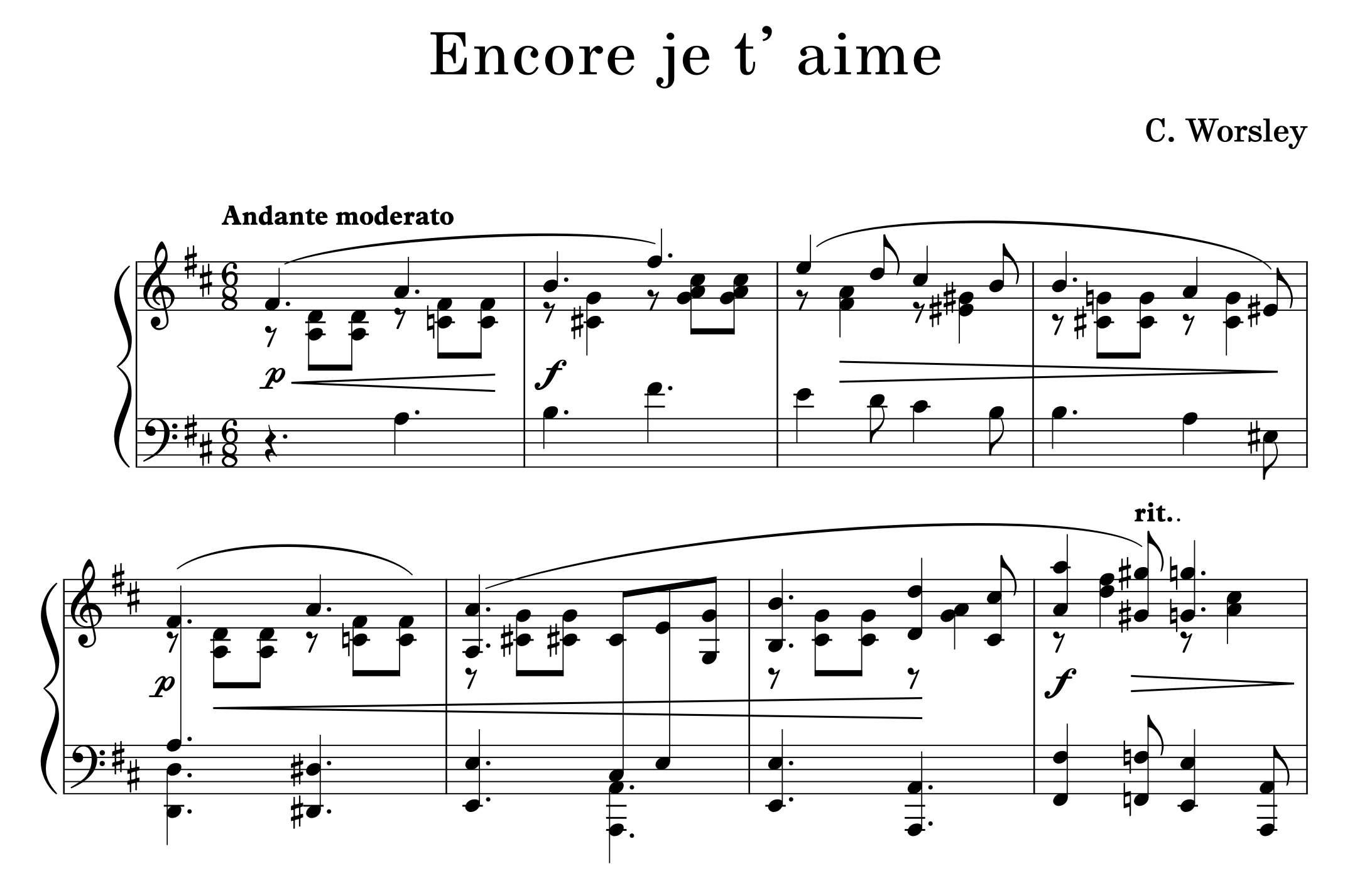
PDF Samples
Download
macOS and Windows installers are included in the release archive. Installers require admin privileges.
Installation
Dorico 4 / 5 / 6
- Download the latest release and run the installer for your platform from the
Installersfolder in the release archive. Admin privileges are required. - Restart Dorico completely after installation.
- In Dorico, go to Library → Music Fonts and select Punzón from the list. Click Apply and Close.
MuseScore Studio 4
- Download the latest release and run the installer for your platform from the
Installersfolder in the release archive. Admin privileges are required. - Restart MuseScore Studio after installation.
- Go to Format → Style → Score and set Musical symbols font to Punzon and Musical text font to Punzon Text.
Manual Installation
If you prefer to install manually without the installer scripts, copy the files to these locations:
Font files
Windows: C:\Windows\Fonts\
Linux: ~/.fonts
SMuFL metadata
Windows: %LOCALAPPDATA%\SMuFL\Fonts\Punzon\
Linux: $XDG_DATA_HOME/SMuFL/Fonts/Punzon/
Copy Punzon.otf, PunzonText.otf, and Punzon.json (renamed as needed by your app) into the folders above. The Punzon/ subfolder name must match the font name exactly.
Status
Credits and acknowledgements
Created by Mikko Patama.
SMuFL specification is maintained by W3C Music Notation Community Group.